Backup Anxiety: Why Having a Backup Isn't the Same as Having a Recovery Plan
Many businesses think they are safe because they have "backups." But a backup you haven't tested is just a hope. Learn how to turn backup anxiety into recovery confidence.

Contents
Many businesses think they are safe because they have "backups." But a backup you haven't tested is just a hope. Learn how to turn backup anxiety into recovery confidence.
Share this article
The False Sense of Security
"Don't worry, it's backed up."
That sentence sounds reassuring until someone asks about the recovery plan. Where is the backup stored? Who has access? Which systems need to come back first? How old can the data be? How long can the business stay offline? And when did anyone last prove that the backup can become a working system again?
Many businesses can answer the first question. The rest often get vague.
That is backup anxiety: not the fear that no copy exists, but the suspicion that a dangerous gap sits between a copy and a functioning business. In daily operations, that gap stays invisible. The backup dashboard is green. The storage invoice is paid. The provider confirms that "everything is backed up." Only during a real incident does the business discover whether that statement meant anything useful.
A backup is a copy of data. A recovery plan is an operating procedure. It connects data, infrastructure, access, sequence, ownership, and decision boundaries. If that procedure has not been tested, your business does not have recovery capability. It has hope.
For small and mid-sized companies, this matters more than it may first appear. A lost day in a customer portal, booking system, inventory platform, or internal knowledge base is not just an IT incident. It creates support pressure, lost revenue, reputational damage, and management stress at the same time.
Why Backups Look Stronger Than They Are
Backup systems rarely fail in a dramatic way. Most of the time, they look reliable because they measure only the simplest part: Was a backup written?
That does not answer the questions that determine whether the business is actually protected:
- Is the backup complete, or are dependent databases, uploads, secrets, or configuration files missing?
- Is the backup readable, or has it never been restored from the archive?
- Is it protected against ransomware, or can an attacker delete it with the same credentials used for production?
- Does the recovery process match the company's real tolerance for downtime?
- Are the people expected to run the restore available and authorized during an emergency?
The problem is rarely "no backup." The problem is a narrow definition of protection. Many setups protect data, but not operating capability. They save databases, but not infrastructure definitions. They copy files, but not the order in which services must restart. They rely on a platform without proving that an export is fast enough, complete enough, and independent enough.
That creates a dangerous psychological effect: the longer nothing goes wrong, the stronger the backup concept feels. In reality, it has simply not been tested.
The Recovery Gap: Backup vs. Restore
Imagine a realistic scenario. On Monday morning, an employee accidentally deletes a table in a production database. Shortly afterward, an automated sync job spreads the damage into several connected systems. The team does not notice immediately because the application is still reachable. Around noon, customers start reporting missing data.
Now the real test begins.
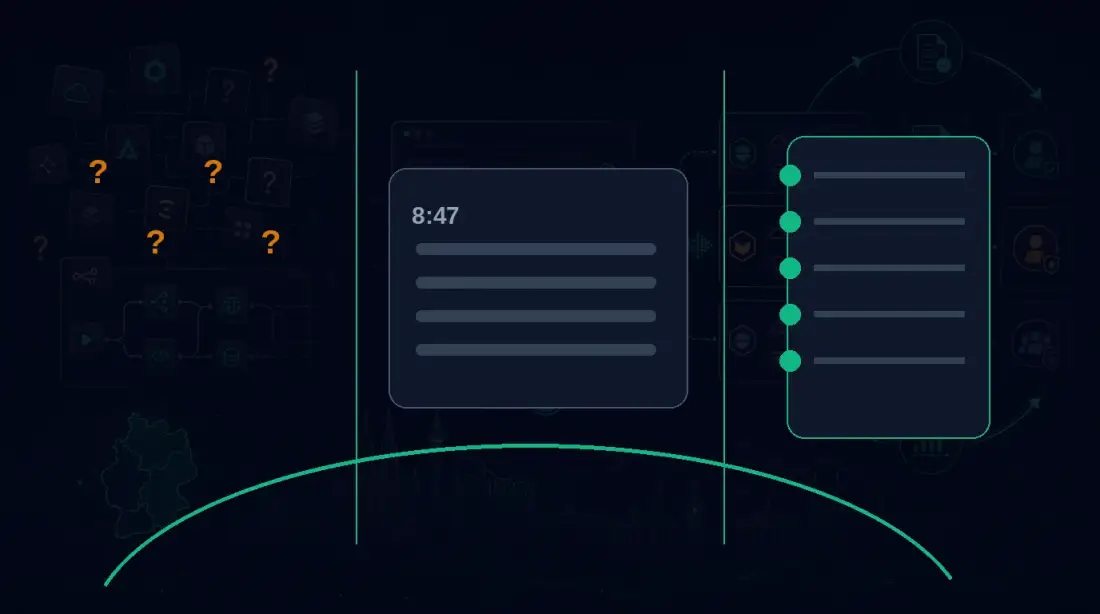
First, the team has to decide which recovery point is correct. If the system goes back to 8:55 a.m., all legitimate changes after that point are lost. If it goes back to 11:45 a.m., some of the damage may remain. At the same time, someone needs to decide whether to roll back the entire system or only one database. Both choices have consequences: a full rollback is cleaner but may lose more user activity, while a selective restore is more precise but requires better preparation.
Then the dependencies appear. The database alone is not enough. Application version, background jobs, file storage, search indexes, caches, authentication, and external interfaces all need to match the selected data state. If the application has already run migrations, an older database schema may not work with the current code. If file uploads and database records drift apart, customer records can still look broken after the restore.
In a tested recovery process, the sequence is clear:
- Freeze the incident: stop writes, preserve logs, and mark affected systems.
- Choose the recovery point: evaluate the data-loss window and business impact.
- Start a temporary environment: restore into isolation before touching production.
- Test integrity: boot the application, sample records, and run critical workflows.
- Document the decision: management, support, and business owners understand what will change.
- Restore production: sequence, access, and responsibilities are already defined.
- Complete validation: monitoring, data consistency, and customer communication follow the plan.
Without that sequence, a technical incident becomes an improvised crisis meeting. Nobody knows which data can be sacrificed. Nobody knows the order. Nobody wants to own the final restore decision. Downtime grows not because the backup is missing, but because every decision has to be made under pressure.
That is the recovery gap.
RTO and RPO: The Two Numbers That Make Backups Honest
To evaluate backup quality, you need two terms: RTO and RPO.
RTO (Recovery Time Objective) describes how long a system can be unavailable before the business impact becomes unacceptable. An internal archive might tolerate 24 hours of downtime. A booking system or customer portal may need to recover within one or two hours.
RPO (Recovery Point Objective) describes how much data loss is acceptable. With successful backups every 24 hours, nearly 24 hours of changes may be missing since the last usable recovery point. Failed or unusable backups can make that window larger. For some systems, that may be tolerable. For orders, support tickets, production data, or bookings, it often is not.
These numbers force clarity. "We have a backup" sounds good. "Our RTO is eight hours and our RPO is 15 minutes, tested at the end of last month" is operationally meaningful. Only then can management decide whether the risk fits the business model.
RTO and RPO are not purely technical metrics. They are business decisions. If a system processes significant revenue every hour, an eight-hour recovery target has a different meaning than it does for an internal wiki. If regulatory or contractual obligations apply, the acceptable data-loss window may need to be much smaller. That is why finance, operations, business owners, and engineering should define these values together.
Technical Deep-Dive: What a Reliable Backup Architecture Must Prove
The classic 3-2-1 rule remains a useful starting point: keep three copies of the data, on two different storage types or systems, with one copy outside the primary location. Modern environments need a stricter interpretation. A copy inside the same cloud account is not an independent safety net if compromised credentials can reach every layer. An offsite copy matters only if it can be used without depending entirely on the primary provider.
That is why immutable storage belongs in any serious recovery strategy. Immutability prevents backups from being deleted or overwritten during a defined retention period. It protects not only against ransomware, but also against faulty automation, internal mistakes, and compromised administrator accounts. The separation matters: the people and credentials that manage production should not be able to remove the last safety net without additional controls.
Infrastructure recovery is just as important. If you back up only data but need to reconstruct servers, networks, DNS, secrets, permissions, and deployment processes manually, the restore remains slow and error-prone. Infrastructure as Code, documented runbooks, and automated environment creation turn a backup into a repeatable recovery process.
Automated Recovery Testing is the quality gate. It does not merely check whether a file exists. It regularly restores the backup into an isolated environment, starts the application, runs critical workflows, and records the result. That creates evidence: not "we believe it works," but "we successfully tested recovery on a specific date."
A resilient architecture combines several layers:
- 3-2-1 backups with a logically separate offsite target
- immutable retention for critical backups
- point-in-time recovery for databases with tight RPO requirements
- infrastructure definitions, secret-handling procedures, and runbooks for rebuilds
- automated restore tests in isolated environments
- clear escalation and communication paths for real incidents
This is not excessive enterprise complexity. It is the technical foundation for keeping a business operational when something breaks.
Why Sovereignty Matters for Backups
Many SaaS providers advertise backups. That can be useful, but it is not the same as backup ownership. If your data, snapshots, exports, recovery logic, and access controls all live inside one platform, your recovery capability depends on that provider's rules.
What happens if your account is locked? If a support ticket receives normal priority while your business is offline? If exports are available only in a proprietary format? If the platform can restore individual objects but not a complete, consistent system state? If pricing or contract limits become part of the conversation exactly when you are under pressure?
Planfold's sovereignty approach starts there. The goal is not to remove all convenience. A care-free package can still include updates, security, monitoring, backups, and routine operations. The critical point is that you keep the exit key: understandable architecture, documented data flows, portable components, transparent access, and recovery paths that are not fully tied to a single SaaS provider.
In that model, a backup is not someone else's promise. It is part of your digital asset. You own not only the application, but also the path back to a working state. That is the difference between rented convenience and sovereign operations.
From Backup Anxiety to Recovery Confidence
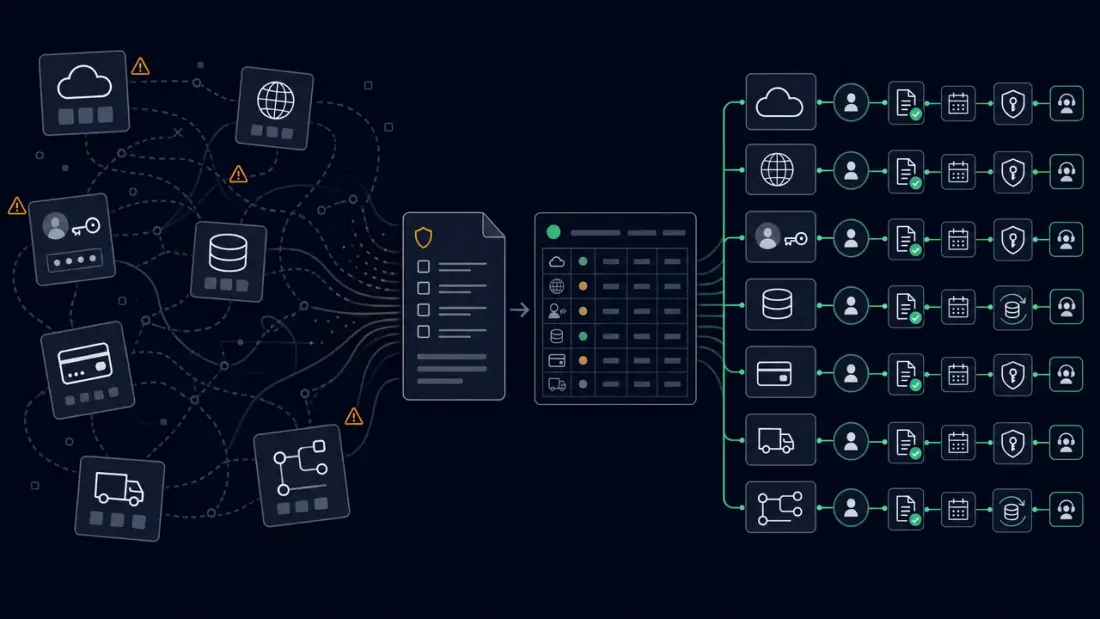
The practical path does not start with a massive project. It starts with an honest inventory.
Which systems are business-critical? Which RTO and RPO values actually apply? Where are the backups stored? Who can restore them? Has the restore been tested in the last 90 days? Which dependencies need to come online first? Which support messages are needed if customer data is affected? Which data cannot be lost for legal, contractual, or operational reasons?
Those answers become the recovery plan. It should be short enough to use during an incident and precise enough to remove decisions from the crisis moment. Good plans define roles, sequence, access paths, test criteria, RTO/RPO targets, and a post-incident review routine.
The most important change is cultural: backups are no longer treated as a one-time setup. They become a running capability. Every new application, integration, and database has to answer the same question: How do we restore this, and when did we last prove it?
Then backup anxiety disappears not through optimism, but through evidence.
Don't Wait for the Crisis to Test Your Plan
Your digital infrastructure should not be a quiet risk factor. It should be a reliable machine with known, tested, and documented recovery paths.
Planfold designs and operates digital systems as business assets: care-free in daily operations, sovereign when the exit key matters. That includes backup strategy, recovery architecture, automation, technical documentation, and a clear understanding of who can make which decision during an incident.
Secure your Digital Sovereignty and check whether your backup concept can actually recover your business.